

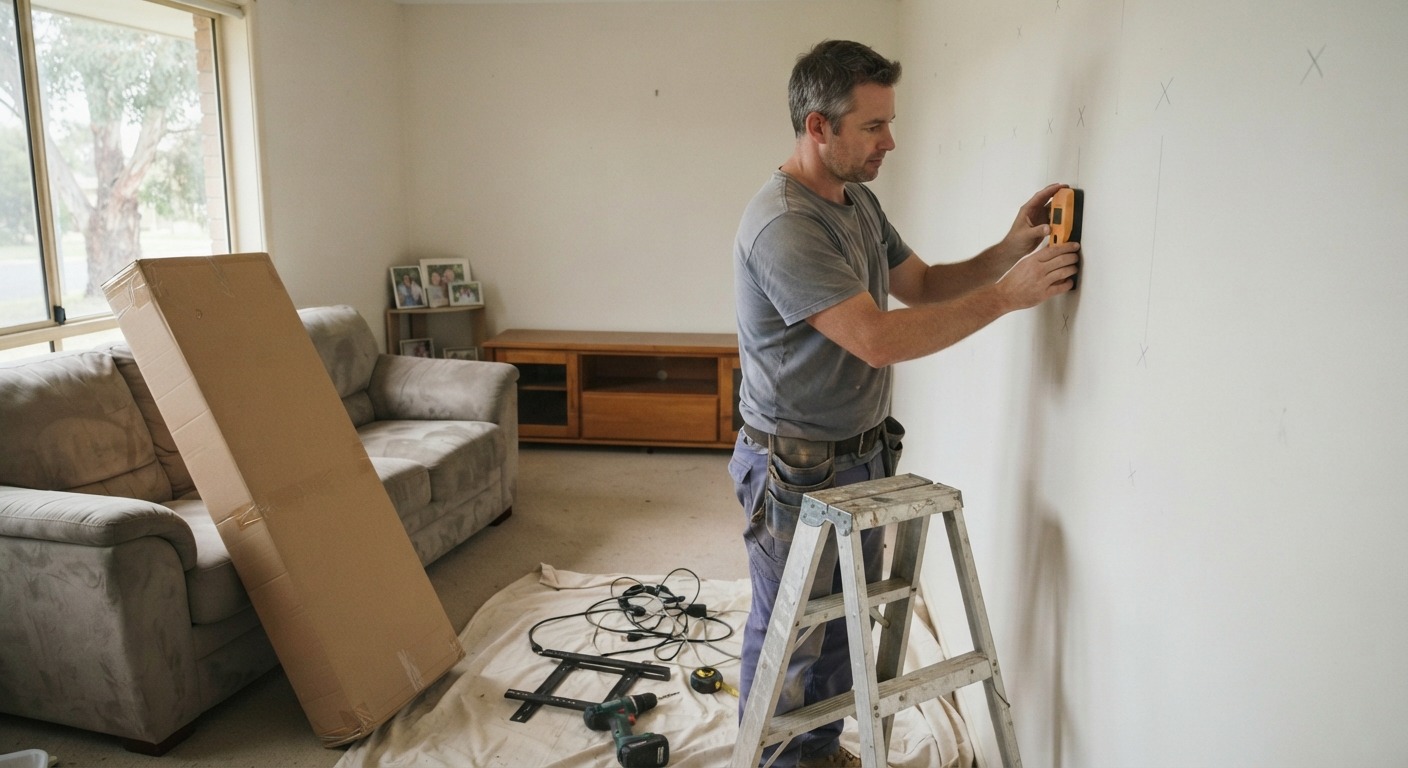
Knock on the wall where you want the TV to go. A hollow thud and a dull, solid knock lead to two very different jobs, and that sound tells an installer more than the size of the screen ever will. TV wall mounting in Werribee can mean a 1970s brick veneer place near Watton Street one day and a two-year-old build in Riverwalk or Harpley the next. Those homes rarely share the same fixings, cable options or problems.
Brick veneer homes: the brick is on the outside
This one catches plenty of owners off guard. In a brick veneer house, the brick is only the outer skin. Inside, there’s a timber frame lined with plasterboard, so the lounge room wall you’re looking at is hollow, and the brick does nothing to hold up your TV.
The installer’s real job here is finding the studs. Australian frames usually run studs at 450mm or 600mm centres, and the bracket needs to bite into timber, not plaster. The annoying part? Studs almost never sit where you want the screen centred. A wider bracket plate can often reach two studs anyway. Failing that, a timber backing panel fixed across the studs and painted to match the wall gives the mount something solid to sit on.
Hiding cables is usually easy in these homes. They can drop down inside the cavity to a wall plate lower down. The one snag is a noggin (the horizontal brace between studs) sitting in the way, and there’s nearly always at least one.
Solid brick, fireplaces and rendered feature walls
Plenty of Werribee homes have at least one masonry wall inside, usually around a fireplace or chimney breast, or a rendered feature wall added during a renovation. Masonry is the strongest thing you can mount to. With the right anchors, a large screen on solid brick isn’t going anywhere.
Cables are where it gets harder. There’s no cavity to hide them in, so the choice comes down to chasing a channel into the brick and re-rendering over it, or running a slim conduit up the wall and painting it out. Chasing looks better. It also adds time, mess and cost, and you want to know that before the bracket goes up rather than after.
Over a fireplace, height is the usual mistake. A screen mounted up near the cornice looks tidy from the doorway and gives everyone a sore neck within a week. A tilting bracket helps a bit. Mounting lower helps more.
New builds: plasterboard, studs and sometimes steel
Homes in Werribee’s newer estates are generally plasterboard over a frame, usually timber but sometimes lightweight steel. The installer will want to know which before choosing fixings, because steel studs need their own hardware. A magnet or a decent stud finder settles the question in about a minute.
Still building? Ask your builder to add timber noggins at TV height on the viewing wall, plus a conduit run from there down to where the set-top box or soundbar will live. It costs very little before the plaster goes up. Retrofitting the same thing later means cutting into a finished wall.
Pipes, power and the parts nobody can see
Before anything gets drilled, a good installer checks what the wall won’t tell you on its own:
- What’s directly behind it. A lounge that backs onto a bathroom or laundry can have water pipes right where the bracket wants to go.
- Where the power point sits. Moving it, or adding a recessed one behind the TV, is work for a licensed electrician in Victoria.
- How far the bracket extends. A full-motion arm pulled out into the room puts far more strain on the top fixings than the TV’s weight suggests, and unstable furniture can seriously hurt a small child.
- Whether the wall is actually flat, since older plaster can bow just enough to tilt a screen visibly.
Getting TV wall mounting in Werribee right the first time
Screen size gets all the attention in the shop, but the wall decides how the install goes: the fixings, the cable route, and how clean it looks once the drop sheets come up. If you’re not sure what’s behind your plaster, the team at Geelong AV & IT can check the wall before a single hole goes in and mount the TV to suit it.